Join
An open-source life and roleplay framework for Arma Reforger
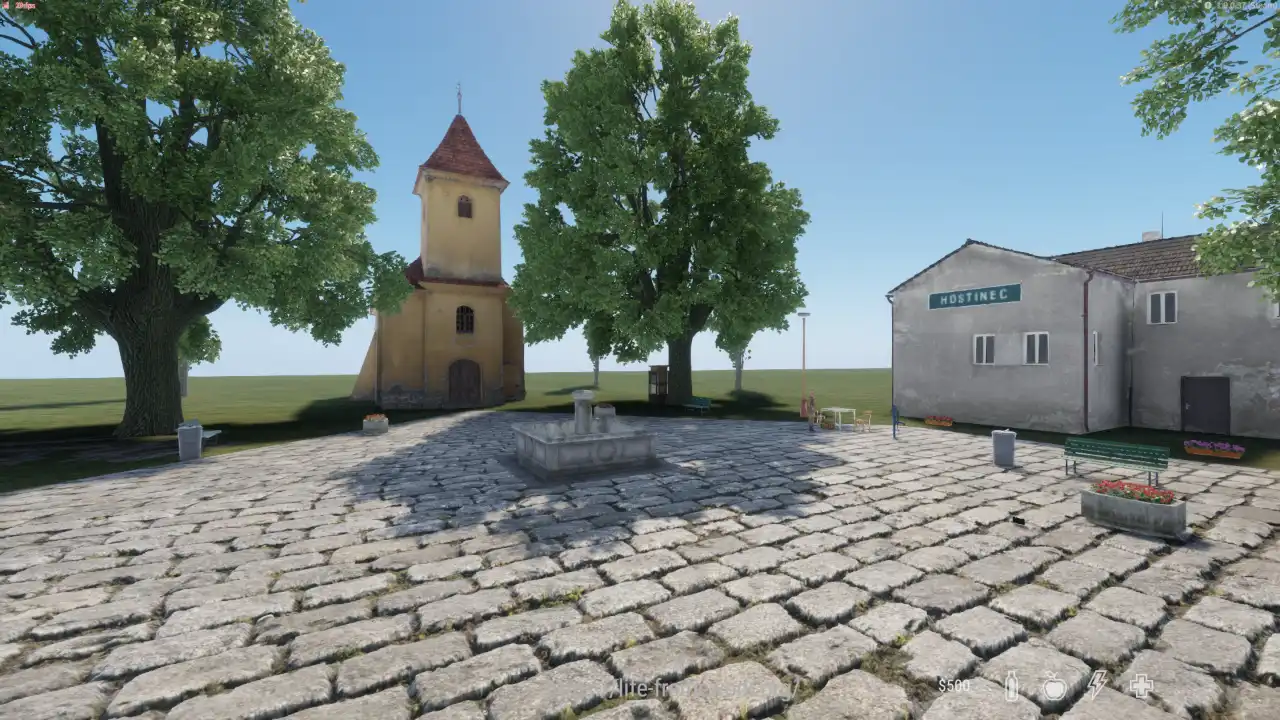
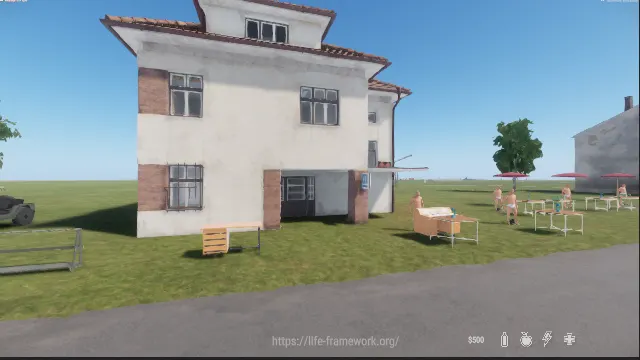
We are building the framework, and a 1989 Everon server to prove it. It is early: one small test town is playable, with a bank, a store, a car lot, police, medics, payphones, a fence and a few crimes. Most of it has had few players.
The Discord is where sessions are announced and where reports go: say you want to test in #playtest-feedback. The playtest is a zip for Windows with Arma Reforger from Steam; the playtest page has the steps.
What it looks like
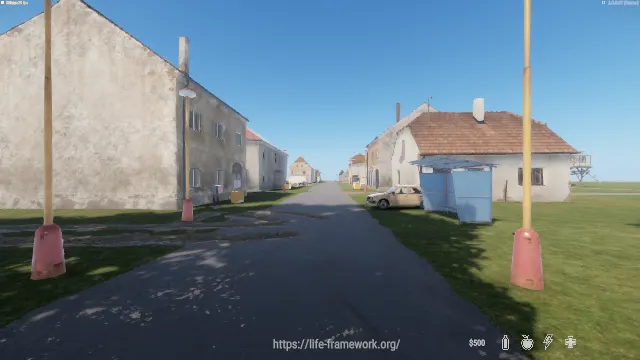
Pictures from the game
What to expect
Built, not built, and who builds it
Built
A small test town you play in rather than click through: a clerk and an ID card, a bank, a store, a car lot, police and dispatch, medics, payphones, a fence and a chop shop. What each does is on the Features page.
Not built
A full map, a Workshop item for the test build, an always-on server, and many of the systems on the roadmap. There is no release date. The roadmap says what is planned and what is not.
Who builds it
AI agents write most of the code, under the maintainer's direction. The maintainer merges every change, and each one is a public pull request. The Discord bot is an AI and says so; the staff are people.
How to take part
Two steps
- Join the Discord. New members agree to the rules first. The pinned FAQ answers the usual questions: is this Overthrow, is it made with AI, when does it release.
- Download the playtest. It is a zip for Windows with Arma Reforger from Steam: unzip it and run the launcher. The playtest page has the steps, what to test, and where to report what broke. The community server runs from a person's PC, so it is not always on.
The Discord is where sessions are announced and where reports go: say you want to test in #playtest-feedback. The playtest is a zip for Windows with Arma Reforger from Steam; the playtest page has the steps.
Joining the alpha server
In the server browser, look for Life Framework | Everon 1989 (Alpha). It has a password. We do not print it here: ask for it in the Discord and a staff member will send it. The password is the only gate. The next session time is announced in the Discord.
It is an alpha. Progress can be wiped, and a wipe comes with at least 24 hours' notice on Discord. Read the wipe policy before a long build.
Run your own
Want your own server?
Life Framework is open source. You do not need our server: take the framework and run your own, with your own rules, name and economy.
Step 1
Start from the example server
A ready folder: the core, the 1989 Everon pack, the server config and one start command for Windows and Linux.
Example serverStep 2
Set your numbers
Change prices, wages and autosave in the browser. It checks the file as you go and downloads only what you changed.
Config generatorStep 3
Install it from zero
Install the dedicated server, open the ports, start it, and keep the save across restarts.
Install guide